Staff
Oren Tirosh
Andy Griffith
Description
The Sunray (Sunshine Footscray) audit is a very import unit database. It functions for daily running of the unit, weekly audit, end of year audit and research.
The AUDIT is an ortho-specific patient list and is ultimately a snapshot of all the patients for everyone on the team.
Login Information
http://whsortho2.wh.org.au/whorth/
Username – ortho
Password – orthoreg
Usage Guide
The AUDIT is the responsibility of the ward HMO. The following is a guide for what information should be updated on the audit:
S – story – including mechanism of injury, where they are from (home, NH ect), pre-morbid function (walks unaided / or w 4 WF ect)
H – PMHx (in the comorbidities section)
O – operation (in the operation section)
W- weight bearing status
B- bloods – Hb and eGFR for all patients. 2nd to 3rd daily serial CRP for infected patients and any other bloods that are relevant (INR if on warfarin).
P – plan – operative plan if pre-op, D/C plan if post-op
Steps:
- Adding: Add to audit (only fill in details until DOB) > add admission (consultant name on Google Drive, ensure “inpatient” status) > add “new” theatre episode à add procedure “Pre operative” > save > fill in MOI, diagnosis and comments (plan) > if pt rather co-morbid, include co-morbidities
- Update: check Audit pt list against EMR and trauma sheet à update once post-op (reg responsibility) by finding patient’s op report in folder > update plan, Ix results and d/c destination in “comments” section > update again once pt discharged
- Print: reports > ward list > refresh empty page > print (80-85% scale)
Tips:
- Remember to save all the time.
- Copy and paste from trauma sheet.
Add new patients into the AUDIT as they come in, or in the morning if they came in overnight. Populate their details as you find in the admission note. If in ED, check on EDIS Dashboard which bed, and write it in the Comments section, e.g. Y5, to facilitate finding them easily on the WR. Ensure that the list of patients (Ortho and OGS) on EMR correlates to where the patients are on the AUDIT, because patients move around a lot. Ensure that Consult patients are added to the AUDIT. The AUDIT can be quite tempermental, and needs some practice to get used to.
It doesn’t accept apostrophes (‘) in the comments section – it won’t allow you to save the details.
You have to make sure you’ve populated all sections: Pre-op, Side (Right or Left), Injury/Mechanism otherwise it won’t save. Also make sure you don’t click on “previous page”, because you lose all your work
Instructional videos for using Sunray
1. Adding new patients to Sunray
2. Adding a new inpatient encounter for a patient
3. Adding a new procedure for a patient
4. Using the operative template
5. Printing an operation report using the operative template
Operative Templates
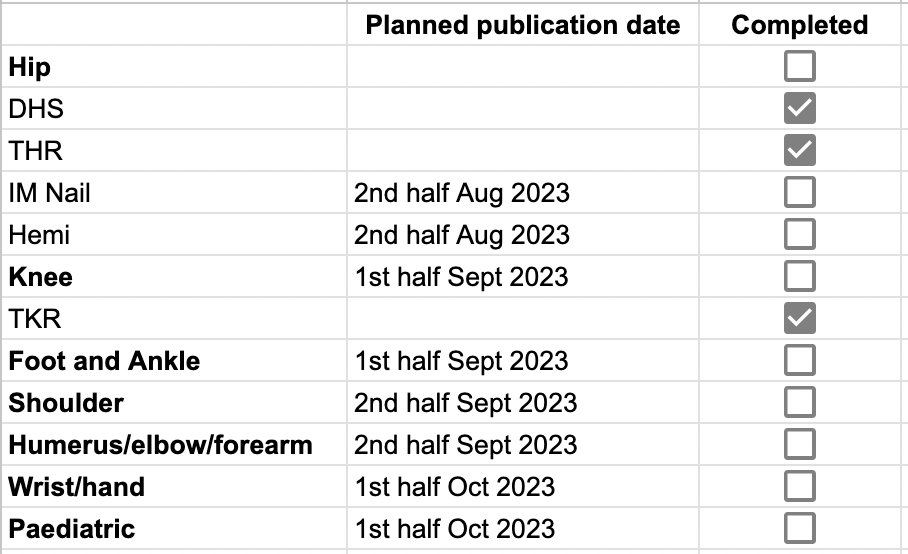
This project is to collect prospective data of operative values.